Installing osCommerce on Plesk is a straightforward process that allows you to set up this popular shopping cart platform directly through the Plesk control panel. This guide walks you through the steps to locate and install osCommerce using Plesk's application catalog.
How to Install osCommerce
-
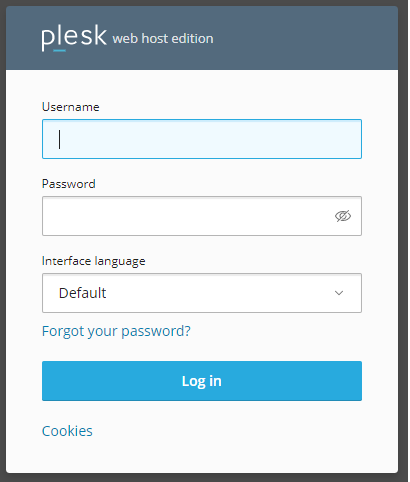
Step 1: Log in to Plesk
Access your Plesk control panel using your credentials.
-
Step 2: Navigate to Applications
Select the Applications tab located on the left side of the Plesk interface.
-
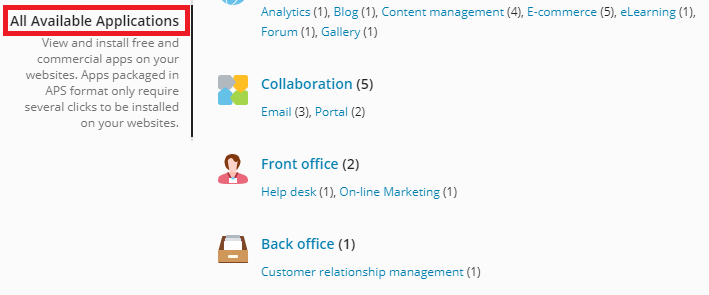
Step 3: Access All Available Applications
Browse the application catalog by selecting All Available Applications from the menu. This section displays all applications you can install through Plesk.
-
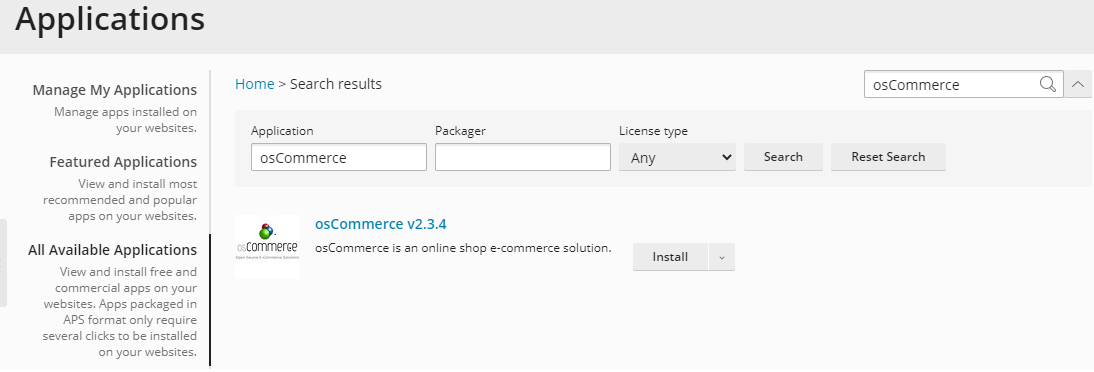
Step 4: Search for osCommerce
In the search window, enter
osCommerceand click on the search icon to locate the application. -
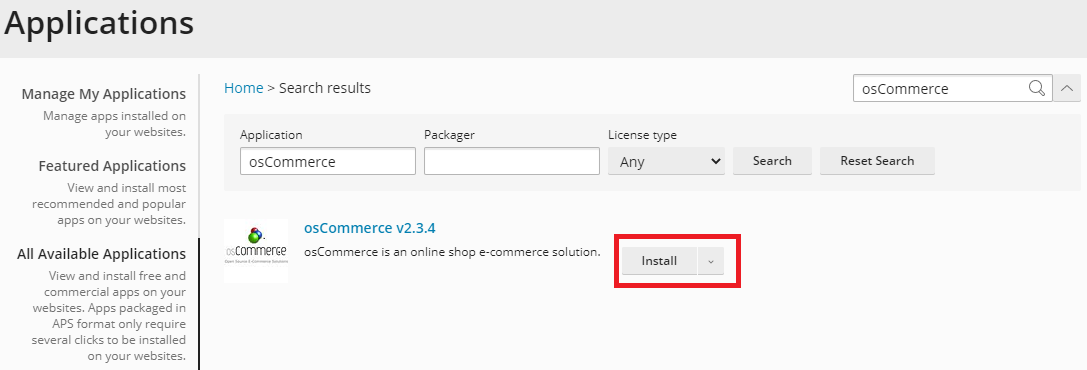
Step 5: Install osCommerce
Click the Install button to begin the installation process.
-
Step 6: Monitor Installation Progress
On the following page, you'll observe the installation progress. Once complete, you'll see 100% completed indicating the successful installation of osCommerce.