This article demonstrates how to disable specific PHP functions on your server through WHM to enhance security. Some PHP functions can be exploited by hackers on web hosting servers. While these functions are not inherently malicious, disabling them as a precautionary measure helps bolster overall security.
How to Disable PHP Functions
-
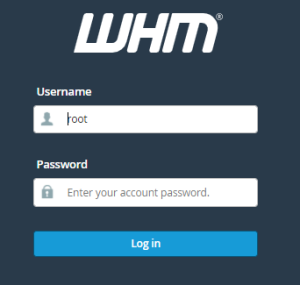
Step 1: Log in to WHM
Access your WHM account by logging in.
-
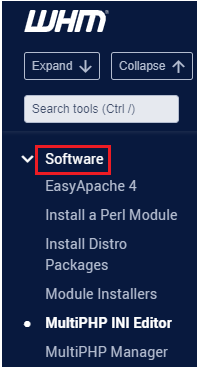
Step 2: Navigate to Software category
Select the category titled "Software."
-
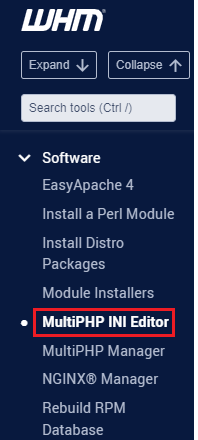
Step 3: Open MultiPHP INI Editor
Select "MultiPHP INI Editor" from the available options.
-
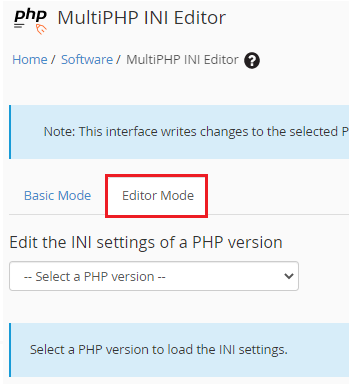
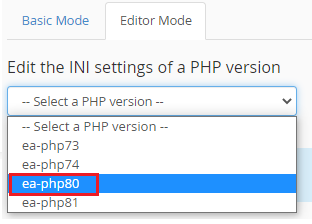
Step 4: Switch to Editor Mode
Choose the "Editor Mode" tab.
-
Step 5: Select PHP version
Choose the relevant PHP version from the provided dropdown menu.
-
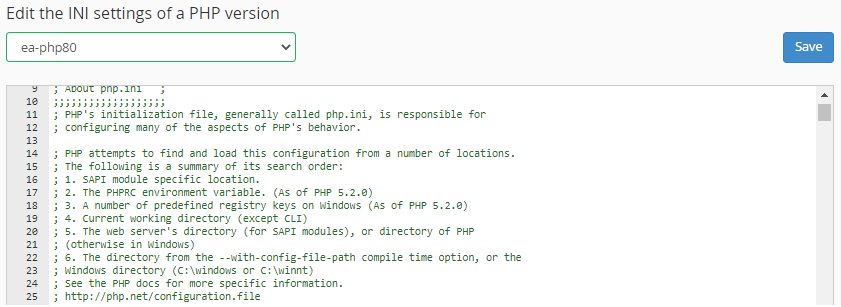
Step 6: View INI settings
The INI settings corresponding to the selected PHP version will be displayed.
-
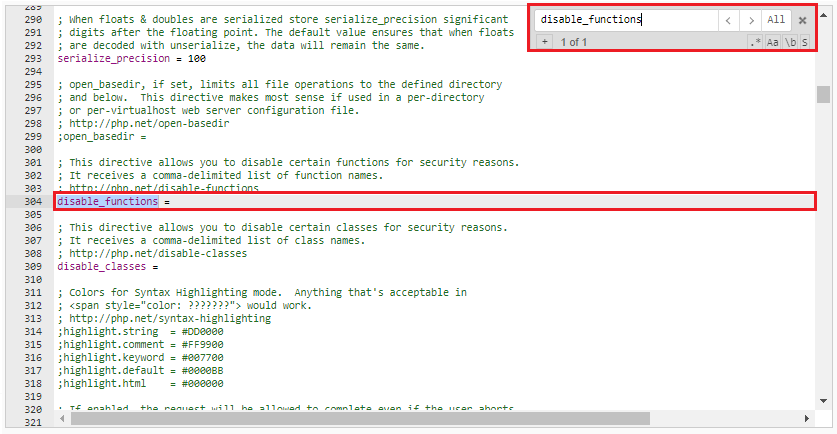
Step 7: Search for disable_functions
Use
Ctrl+Fto open the search box, then search fordisable_functions. -
Step 8: Add functions to disable
Input the PHP functions you want to disable in the
disable_functionsfield, separated by commas. -
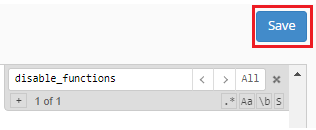
Step 9: Save changes
Click the "Save" button to apply the changes.
-
Step 10: Verify success
A success message will be displayed confirming that the changes have been saved.



This method represents the simplest and most fundamental way to disable PHP functions in WHM.