This guide shows you how to set a message size limit in WHM's Exim Configuration Manager to prevent large email attachments from overloading your server. By configuring this limit, you can manage your inbox effectively and avoid problems caused by oversized emails. Setting an appropriate message size limit is crucial for maintaining the performance of your mail server and ensuring that it does not become overwhelmed with excessively large emails.
How to Configure Message Size Limit
-
Step 1: Access WHM
Log in to WHM as root. Ensure you have the necessary administrative privileges to make changes to the server's configuration settings.
-
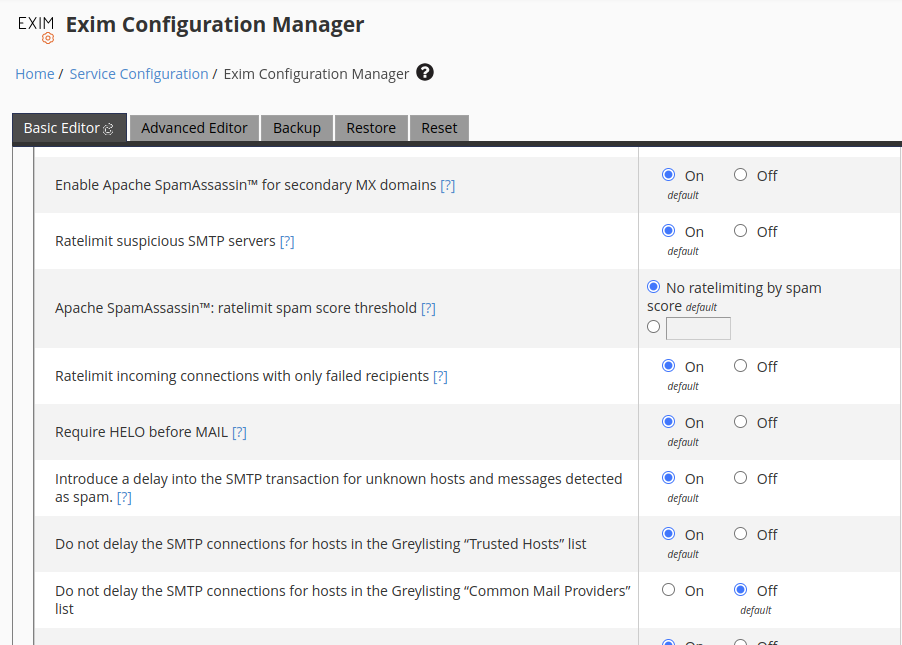
Step 2: Open Exim Configuration Manager
Navigate to the Exim Configuration Manager under "Service Configuration." This tool allows you to modify the behavior of your mail transfer agent (MTA) without directly editing configuration files.
-
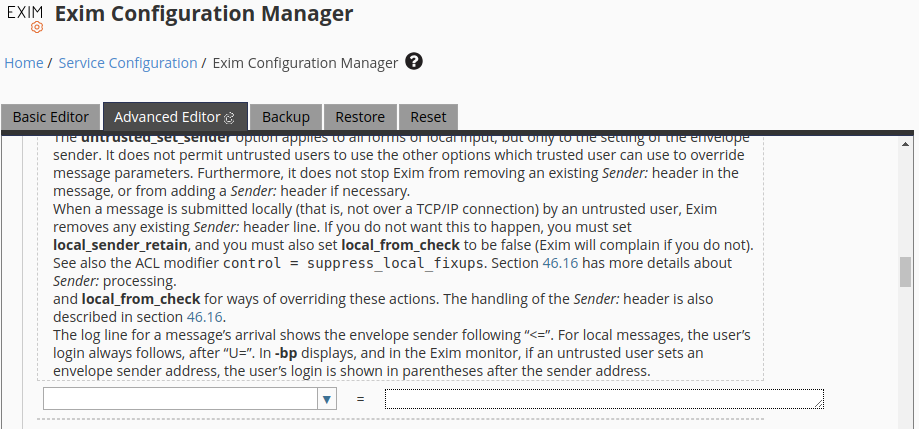
Step 3: Access Advanced Editor
Click on "Advanced Editor." This section provides a comprehensive view of all Exim configuration settings. Scroll down to the "Add additional configuration settings" button, which allows you to add custom configurations.
-
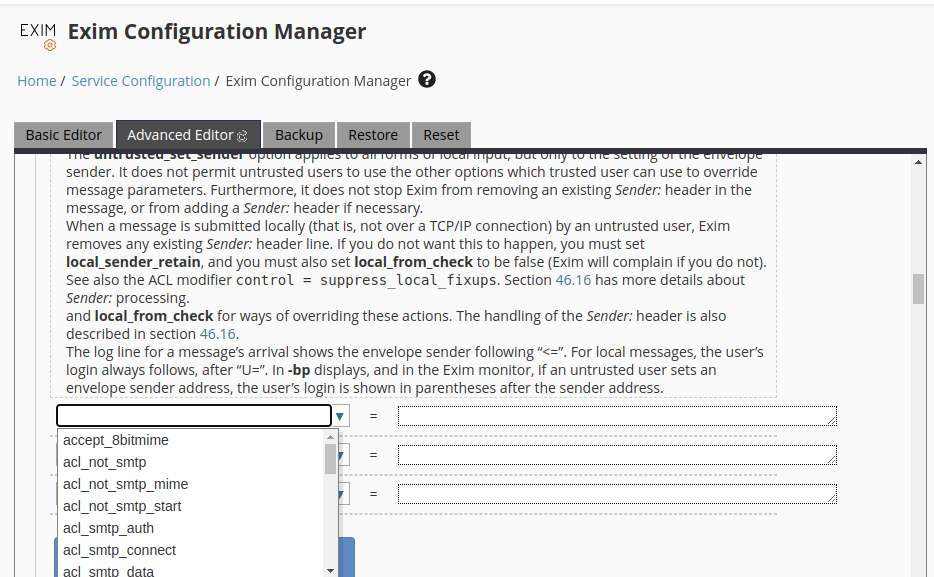
Step 4: Add Message Size Limit Configuration
Add a new empty configuration option by selecting
message_size_limitfrom the drop-down menu. This setting specifies the maximum size of an email message that your server will accept. -
Step 5: Set and Save the Limit
Enter the desired value in the textbox next to the
message_size_limitsetting. The value should be specified in bytes, but you can use suffixes like K (kilobytes), M (megabytes), or G (gigabytes) for easier readability. For example, entering10Msets the limit to 10 megabytes.After setting your desired size, click "Save" to apply the changes. It's a good practice to test sending and receiving emails of various sizes to ensure that the new configuration works as expected.
Tips:
- Consider the needs of your users when setting the message size limit. If you have business clients who frequently send large files, a higher limit might be necessary.
- Keep in mind that while setting a limit can prevent server overload, it may also result in emails being rejected if they exceed the specified size. Make sure to communicate this policy to your users.
- If you need to set different limits for different domains or accounts, consider using conditional statements within the Exim configuration to apply specific rules based on certain criteria.